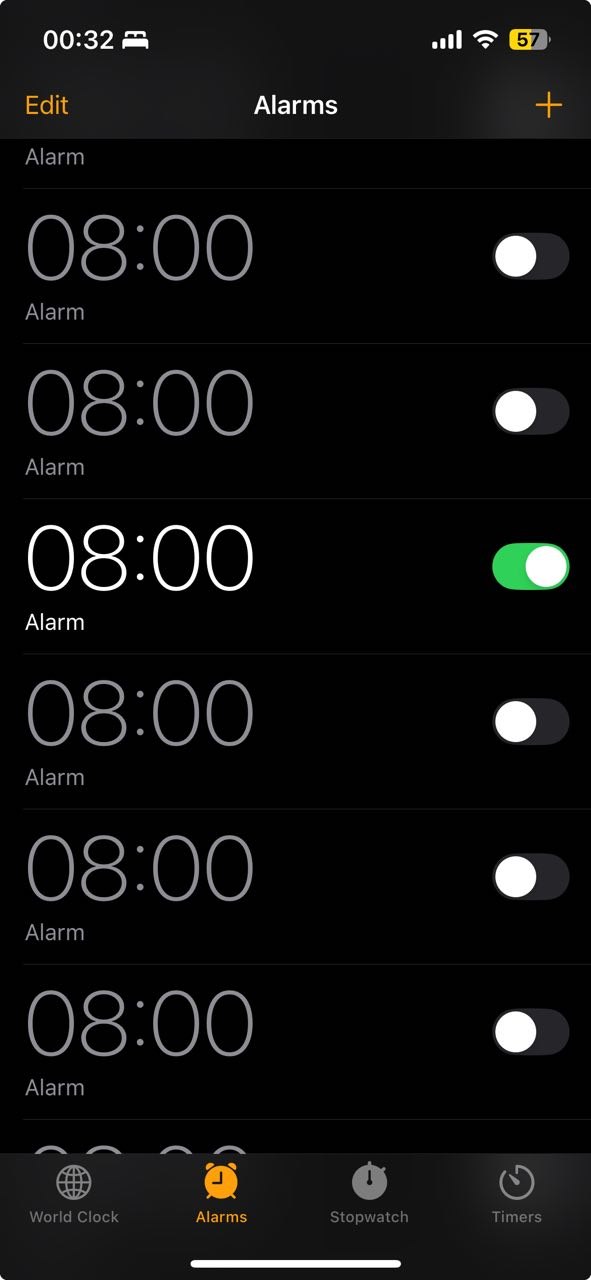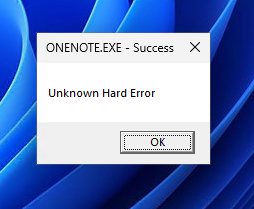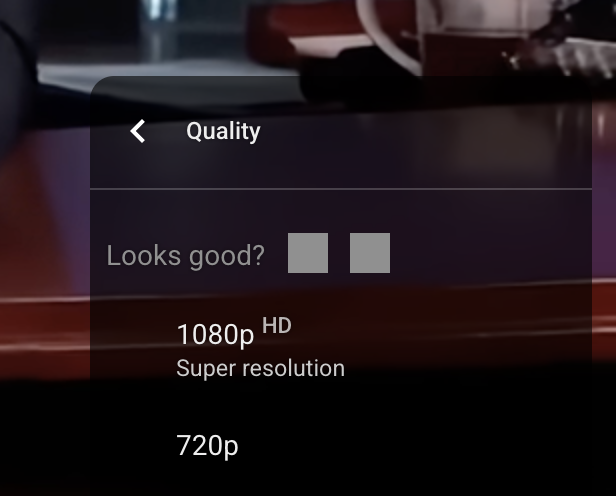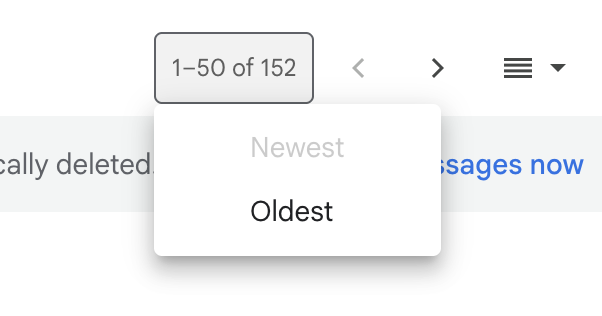
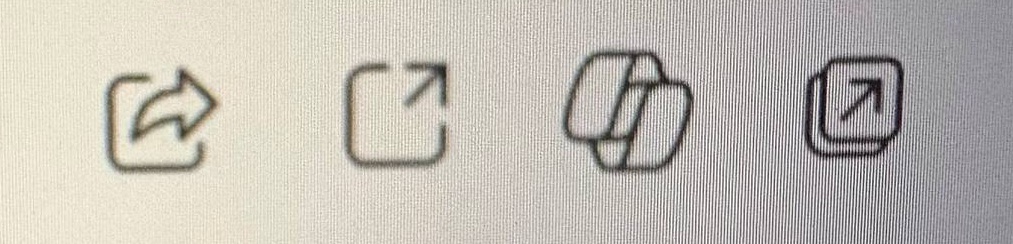
Microsoft Teams be like:
- A square with the arrow pointing to the top right
- A square with the arrow pointing to the top right
- A square with the arrow pointing to the top right
- Copilot
Thanks @yermishkina for the picture
Microsoft Teams be like:
- A square with the arrow pointing to the top right
- A square with the arrow pointing to the top right
- A square with the arrow pointing to the top right
- Copilot
Thanks @yermishkina for the picture
No time to explain, just trust me on this one
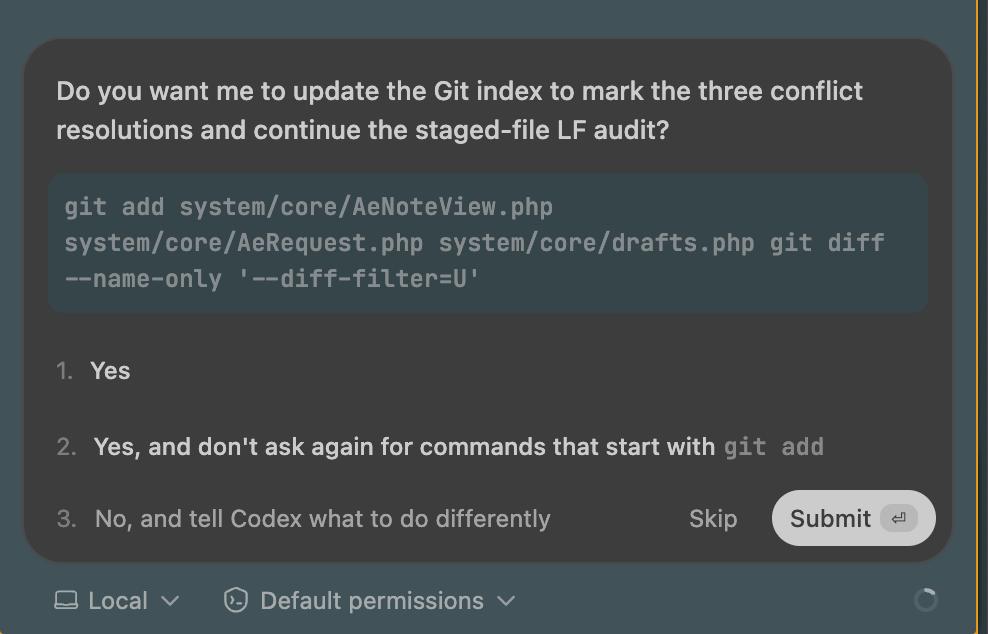
Affordances are forgotten. Any control can look like any other control.
1 — button
2 — button
3 — text input 🤯
How are you supposed to tell?
Thanks @ilyabirman for the picture.
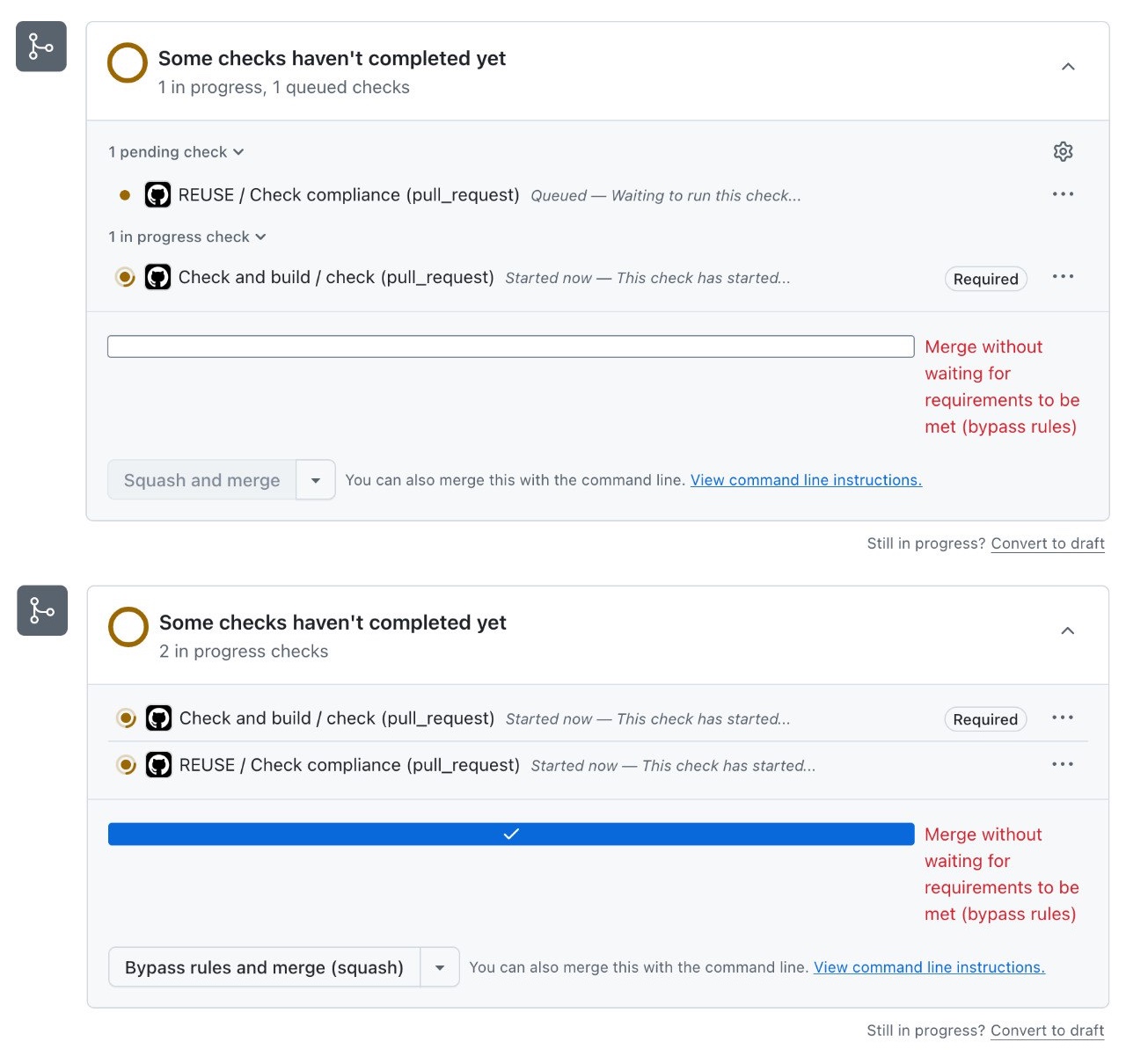
The whole block could’ve been a single dropdown